A look that's yours.
Combine theme colors, event backgrounds and patterns to create a calendar you enjoy opening.
 May Calendar
A clearer view of every day.
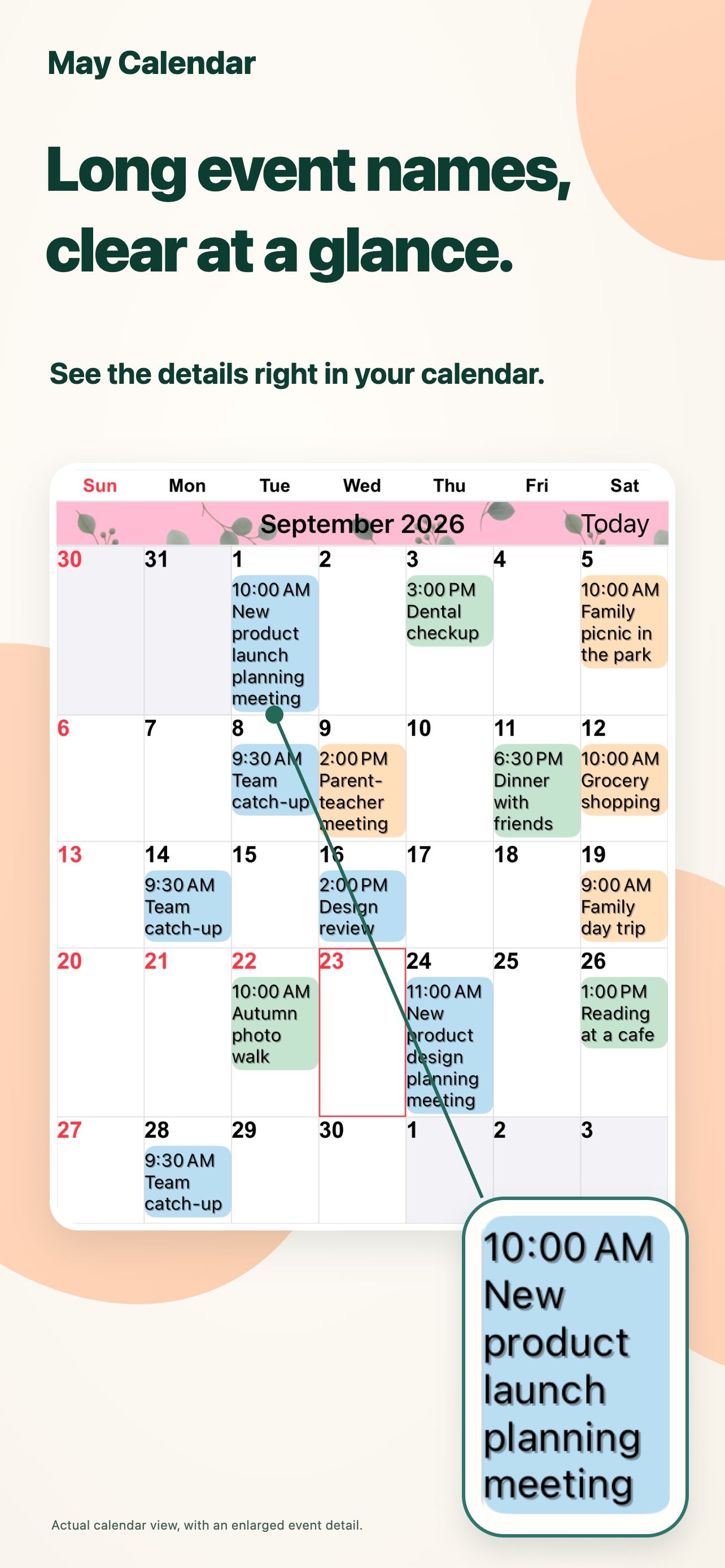
Long event titles, right in month view. Text and colors that work for you. A calendar that makes your everyday plans easy to see.
For iPhone and iPadView on the App StoreFree download · In-app purchases
A little more ease in planning your day.
Work and life. A place to see your days together.MADE FOR YOUR EVERYDAY
Shape your calendar around the way you plan.
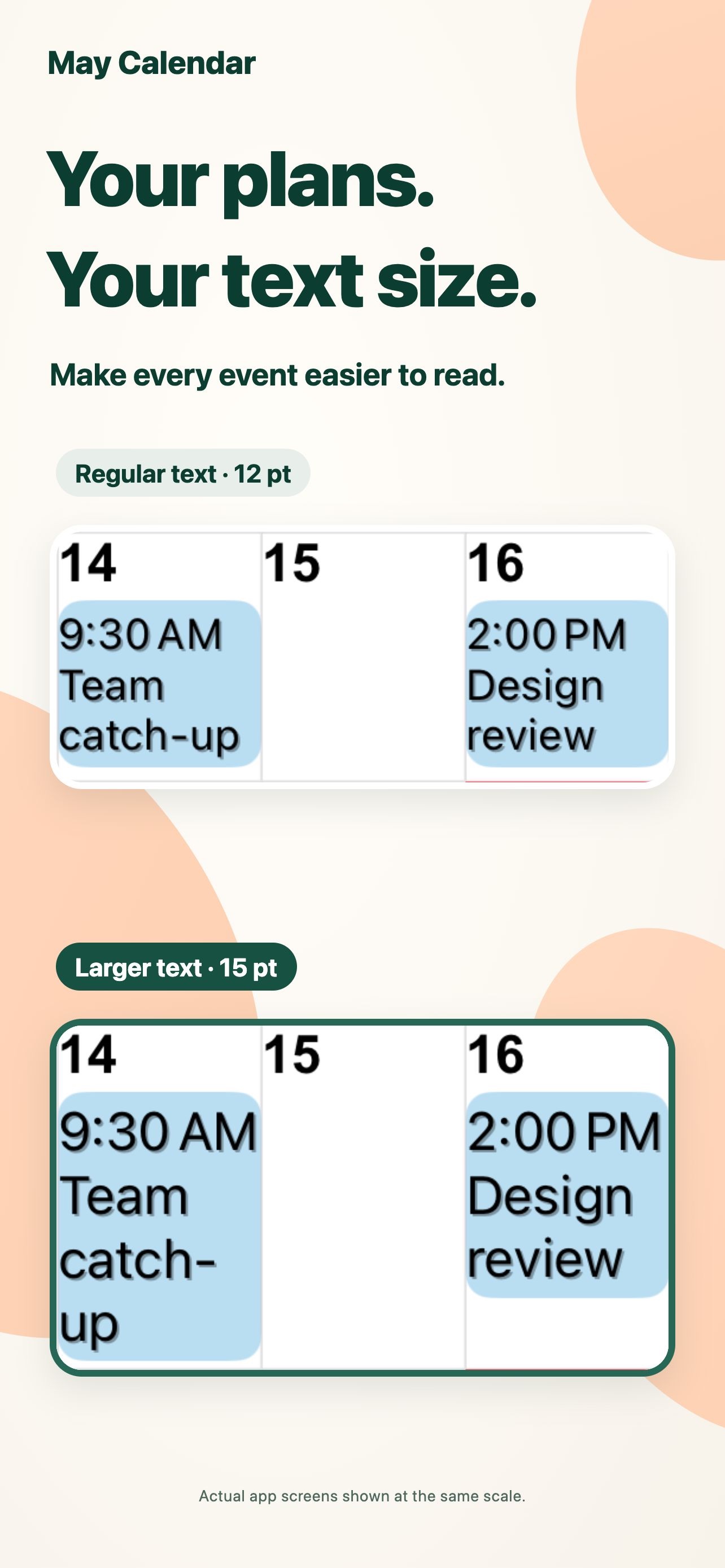
Long event titles wrap across multiple lines. Adjust the font and text size to read the details while keeping the whole month in view.
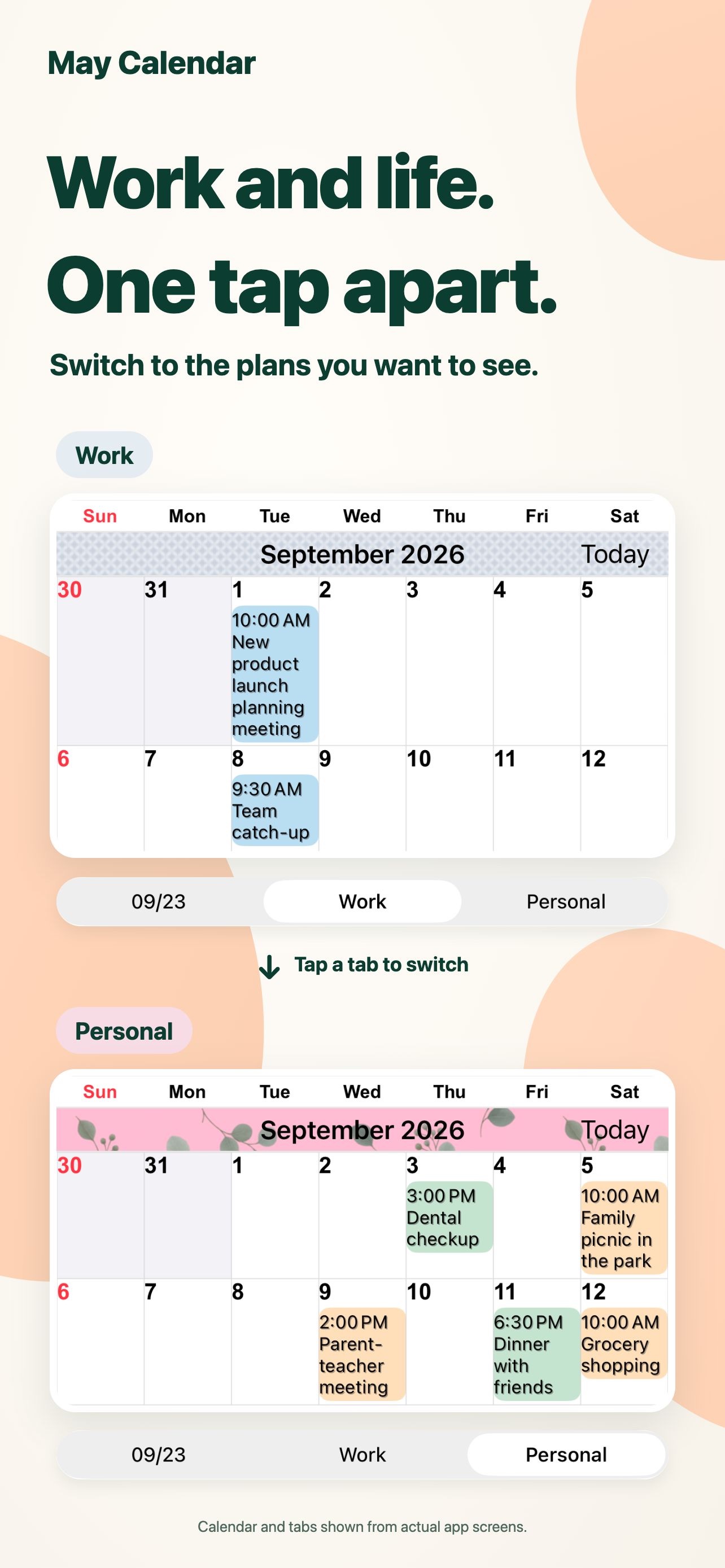
Save combinations of calendars and switch between work and personal plans with one tap.
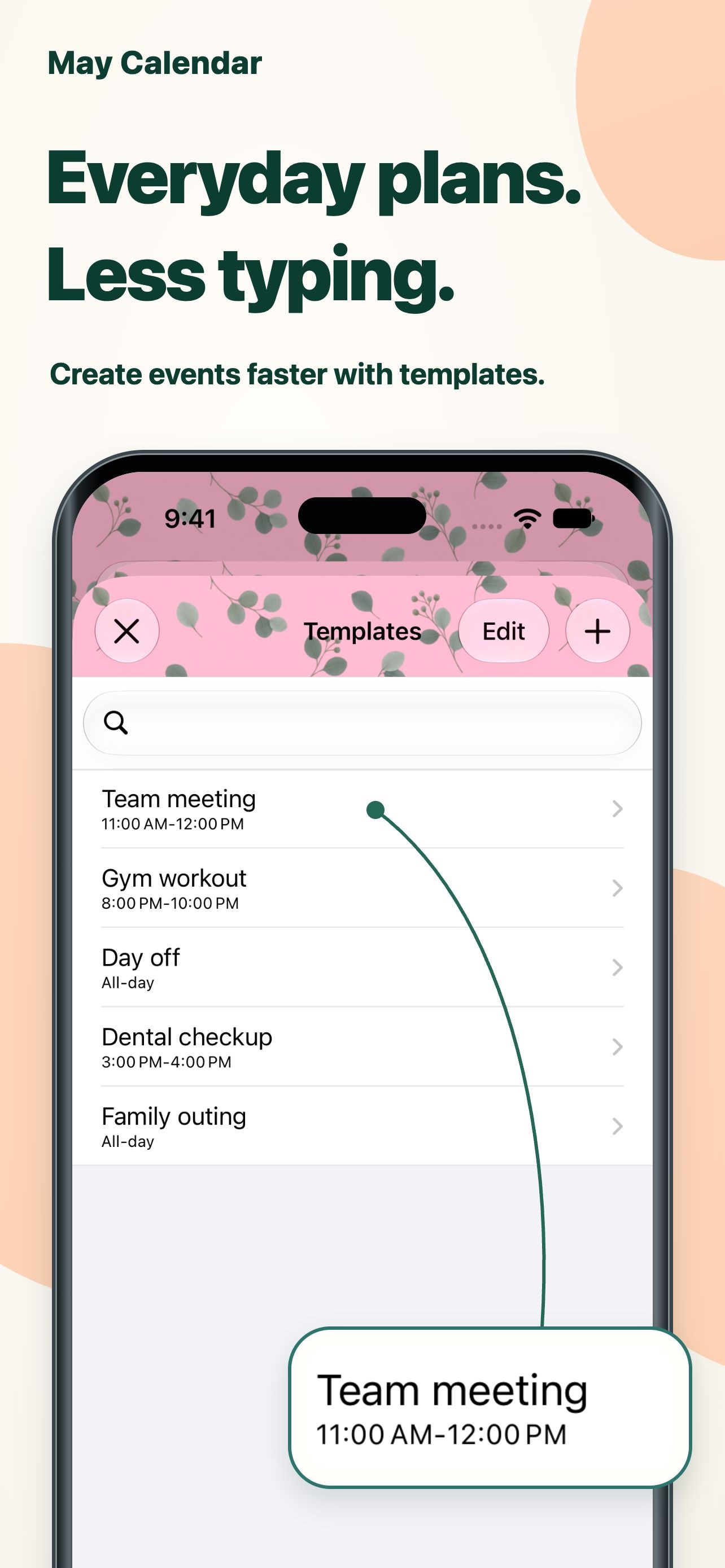
Save meetings, workouts and appointments as templates. Double-tap a date and choose a template to add an event.
SMALL DETAILS. BIG DIFFERENCE.
Combine theme colors, event backgrounds and patterns to create a calendar you enjoy opening.
Choose from 20 types of widgets, including widgets available only on iPad.
Show only events that match the text you enter and focus on the plans you're looking for.
QUESTIONS & ANSWERS
The app is free to download and offers in-app purchases. Check the App Store for current pricing and purchase options. View on the App Store
Yes, it supports iPhone and iPad, with some widgets exclusive to iPad. Check the App Store for current OS requirements.
It supports reminders, holidays, week numbers and lunar calendar information. You can also set the first day of the week and the time zone.
Notifications are delivered by Apple's Calendar app. You can set alerts before an event starts or before it ends.
HELLO, BETTER DAYS.
Start with a calendar that feels right for you.